Spring Lisp Game Jam 2026
This year I decided to participate in the Spring Lisp Game Jam. It’s an annual event, where you have to make a game in any kind of lisp in a limited time, usually a week.
I’ve been putting this away for several years, because every time the jam started I wasn’t ready to spend time on it, because of work or other duties I had at the time. This year, however, I decided to take a vacation, and give it my all. Life, of course, had other plans, but I managed to persevere.
This game jam doesn’t have a particular theme, which is good, as I always wanted to make a particular kind of a game - a movement-oriented platformer. I really enjoyed games like Metroid Fusion and Metroid Dread, which, to my taste, have great platforming, especially in Dread, so I wanted to make something akin to it. On paper, this idea seemed doable. In practice, well, you’ll see.
I decided to make “speed” the main thing of my game, thinking that the core idea will be to maintain speed, and complete room-based obstacle courses. My engine of choice was again TIC-80 as I had some experience with it already, and it’s the most frictionless environment I know for making small games. That’s debatable, of course, given TIC’s restrictions of resolution of 240x136 pixels and a 16-color-only palette. But I like restrictions, they breed creativity, as we all know.
This is more of a postmortem post, as I’m writing this after finishing the game - I simply had no capacity of writing this during the development. So information below is more of how I remember this, and of notes I made along the way.
Day 1
First things first, I chose TIC-80, and it supports programming in lisp out of the box. The language in question is Fennel, which is a nice lisp that compiles to Lua. I needed a few things though.
TIC doesn’t have any built-in functionality besides the essential things for drawing on the screen and reading user’s input. My game needs to deal with collisions, and while other game engines, like LOVE, include a library for that, TIC is certainly not.
A popular library for this is bump.lua, however, TIC doesn’t allow filesystem interactions, so the library must be bundled inside the cart. However, this is a Lua library, and I’m making a game in Fennel.
Fennel has a way of inlining dependencies via the --require-as-include option that could be used, however, it only works when compiling Fennel code to Lua.
And I’m not sure if this will pass for the game jam.
Plus, Fennel doesn’t compile comments, so I couldn’t just write the game cart in Fennel and then compile it to Lua, I’d need to translate all of the cart metadata by hand.
Luckily, a few years ago I made a port of bump.lua to Fennel for cases like this. I used it in the other game I was making at the time. You can read my old dev-log here. Anyhow, I needed to make an actual game, not just mess with libraries, so I picked a palette and began working.
First day was all about player controller. I needed a solid foundation to build the game around, and none of my previous player controllers were adequate for this. They were too stiff.
At the end of the day I ended up with this:
This is a bit more than just a player controller - I have a camera system, level editor, placeholder graphics, and powerups already coded.
This is my camera system:
(local camera
  {:x 96
   :y 40
   :update
   (fn [self {: x : y}]
     (doto self
       (tset :x (* (// x 240) 240))
       (tset :y (* (// y 136) 136))))
   :draw
   (fn [{: x : y} remap]
     (map (// x 8) (// y 8) (+ (// x 8) 31) (+ (// y 8) 18) 0 0 0 1 remap))
   :translate
   (fn [{:x cam-x :y cam-y} x y]
     (values (- x cam-x) (- y cam-y)))})
It’s a simple object that has three main methods.
The update method is responsible for camera positioning.
It is called on each frame, and it simply clamps the x, y position into the one full screen range.
Thus, this is not a free camera, it is locked to the current screen.
I had dynamic cameras in the past, and while I like them, for this game I wanted something different. Essentially, my vision was that each screen will be an obstacle course, although even at this point I already knew this would be a bit problematic.
The draw method simply draws the current visible range of tiles via the map command.
I have a remap callback ready in case I’ll need to change some tiles dynamically.
The final method translate is an interesting one.
When I draw anything, like the player, or interactable objects, I need to do so in the camera space.
So I call (camera:translate obj.x obj.y) to get screen-space coordinates.
In other words, object’s coordinates may be 1337,420, but in camera space they as well may be 42,27.
The camera draws the level from the map editor built into TIC, but we need to load it into the game to interact with it properly. So we need a system to do that.
The level editor is another thing I reused from the last game I made with TIC.
(local objects
  {1 :player
   17 :speed-up
   33 :jump-up})

(macro id [x y]
  `(mget (// ,x 8) (// ,y 8)))

(fn obj? [x y]
  (. objects (id x y)))

(fn solid? [x y]
  (fget (id x y) 0))

(fn load-map-to-world []
  (for [x 0 (* 240 8) 8]
    (for [y 0 (* 136 8) 8]
      (case (obj? x y)
        :player (do (mset (// x 8) (// y 8) 0)
                    (doto player
                      (tset :x x)
                      (tset :y y)
                      (tset :spawn-x x)
                      (tset :spawn-y y))
                    (doto camera
                      (tset :x (* x 8))
                      (tset :y (* y 8)))
                    (world:add player player.x player.y player.w player.h))
        :speed-up
        (let [obj {: x : y :h 8 :w 8 :type :cross
                   :handle (fn [self target]
                             (world:remove self)
                             (mset (// self.x 8) (// self.y 8) 0)
                             (set target.max-xvel (+ target.max-xvel 1)))}]
          (world:add obj obj.x obj.y obj.w obj.h))
        :jump-up
        (let [obj {: x : y :h 8 :w 8 :type :cross
                   :handle
                   (fn [self target]
                     (world:remove self)
                     (mset (// self.x 8) (// self.y 8) 0)
                     (set target.jump-vel (- target.jump-vel 2)))}]
          (world:add obj obj.x obj.y obj.w obj.h))
        _ (if (solid? x y)
              (let [obj {: x : y :h 8 :w 8}]
                (world:add obj obj.x obj.y obj.w obj.h)))))))
It’s a simple loop that goes over each map tile, and decides if it is a thing that we need to register in bump’s world.
To decide that I use a combination of tile ids and flags.
It’s called at the start of the game, and loads the map once.
Finally, the most convoluted part was the player controller:
(fn player.update [self _transition-target]
  (let [grounded? (grounded? self collision-filter)
        wall-bound? (wall-bound? self collision-filter)]
    (echoes:update self)
    (when (bonk? self collision-filter)
      (set self.yvel 0))
    (if grounded?
        (set self.yvel 0)
        (apply-gravity self wall-bound?))
    (if (and (btn right) (or grounded? (not wall-bound?)))
        (doto self
          (tset :flip 1)
          (tset :xvel (lerp self.xvel (if wall-bound? (/ self.max-xvel 5) self.max-xvel) (if grounded? acc 0.01))))
        (and (btn left) (or grounded? (not wall-bound?)))
        (doto self
          (tset :flip -1)
          (tset :xvel (lerp self.xvel (if wall-bound? (/ self.max-xvel -5) (- self.max-xvel)) (if grounded? acc 0.01))))
        grounded?
        (if wall-bound?
            (set self.xvel 0)
            (let []
              (set self.xvel (snap-to-zero (round (lerp self.xvel 0 0.1)))))))
    (when (or (btnp A) (btnp B) (btnp X) (btnp Y))
      (if grounded?
          (set self.yvel self.jump-vel)
          wall-bound?
          (doto self
            (tset :flip (- self.flip))
            (tset :xvel (if (= self.xvel 0)
                            (* 3 (- wall-bound?))
                            (- self.xvel)))
            (tset :yvel (* self.jump-vel 0.75)))))

    (let [(x y cols len) (world:move self (+ self.x self.xvel) (+ self.y self.yvel) collision-filter)]
      (for [i 1 len]
        (let [{: other} (. cols i)]
          (if other.handle
              (other:handle self))))
      (set self.x x)
      (set self.y y))))
This is again a method in the player object, which holds some state, like coordinates and other attributes of the player, like max speed.
It’s fairly simple right now, but it’ll get worse in the future days.
One of the things you may have noticed was a trail effect, when the player reaches a certain speed. I wanted it in the game, inspired by Super Metroid’s speed booster effect. However, my small brain couldn’t figure out how to do it properly, so I simply used linear interpolation so each echo lags behind the player object just enough, and used time offsets to delay their animations. Later, I realized that I can do it simply by storing last player position every few frames and drawing the echo this way, but I had no time to fix it.
The animation system is another thing I needed to make myself, as TIC doesn’t have anything like that. There’s a popular library for doing that, called anim8, by the same author of bump.lua. I didn’t use it, as I had to learn it, and wasn’t sure if it’s compatible with TIC at all.
So my animation system is as follows:
(fn draw-anim [self x y flip? speed]
  (when (= (% t speed) 0)
    (set self.frame (% (+ self.frame 1) self.frames)))
  (spr (+ self.start (* self.frame 2)) (- x 4) y 0 1 flip? 0 2 2))

(local run-anim
  {:start 258
   :end 268
   :frames 6
   :frame 0
   :draw draw-anim})

(local jump-anim
  {:start 288
   :end 302
   :frames 8
   :frame 0
   :draw draw-anim})

;; etc
In the player.draw method I call this depending on the player’s state:
(fn player.draw [self]
  (let [(x y) (camera:translate self.x self.y)
        flip? (if (< self.flip 0) 1 0)]
    (echoes:draw self)
    (if (<= 0 (m/abs self.xvel) 0.01)
        (if (not= 0 self.yvel)
            (slow-jump-anim:draw x y flip? player)
            (idle-anim:draw x y flip? 60))
        (not (grounded? self))
        (case (wall-bound? player)
          1 (spr 256 x y 0 1 1 0 1 2)
          -1 (spr 256 x y 0 1 0 0 1 2)
          _ (if (> (m/abs self.xvel) 3)
                (jump-anim:draw x y flip? (m/floor (lerp 10 1 (/ (m/abs self.xvel) (m/abs self.max-xvel)))))
                (slow-jump-anim:draw x y flip? player)))
        (run-anim:draw x y flip? (m/floor (lerp 10 3 (/ (m/abs self.xvel) (m/abs self.max-xvel))))))))
As you can see, I don’t yet have a state machine or anything like it in my player object, which I fixed in later days. However, this was enough to make the animations you’ve seen in the video.
Animation speed is determined by the speed parameter, which is named incorrectly, as it is more of an update interval in frames.
I use linear interpolation to play animations faster when player’s speed increases, interpolating from 10 tics to 1 tic.
Each frame is 60 tics.
Day 2
Second day I focused on improving animations, as currently they look very janky.
I have Aseprite installed, so I picked up my drawing tablet and sat down working on the run animation. Or I would have done that if Wacom wasn’t a piece of crap.
I had to install drivers, but not just any drivers - the newest drivers are incompatible with my rather old tablet. They are quite big size-wise, and with slow internet it was a pain, since I blindly downloaded the latest driver, and was met with a message, that I should upgrade my device. Luckily, the official web page still has a working driver for my OS and tablet combination, but I was afraid for a second that I would have to resort to using my phone. Not that it is a problem, but I wanted to try Aseprite for this project.
The result is as follows:
I also added sliding animation, and spikes, as no platformer is complete without spikes, am I right or am I right?
Jumping also has two states now - a slow jump, and a fast jump, each with their own animation. For slow jumps the player sprite is mostly static, changing only when the vertical velocity goes from negative to positive. When a certain amount of speed is reached, however, the jump changes into a Salto Mortale mode, where the player spins frantically, like Samus Aran. Did I mention that Metroid was a huge inspiration for me this time around?
In addition to sliding, I added wall slide, which is not only a visual aid, but also slows you down when falling a bit.
Day 3
I felt satisfied with my player controller so far, so I started working on the level itself. This includes decorations, and level design in general.
Here’s what I got by the end of day three:
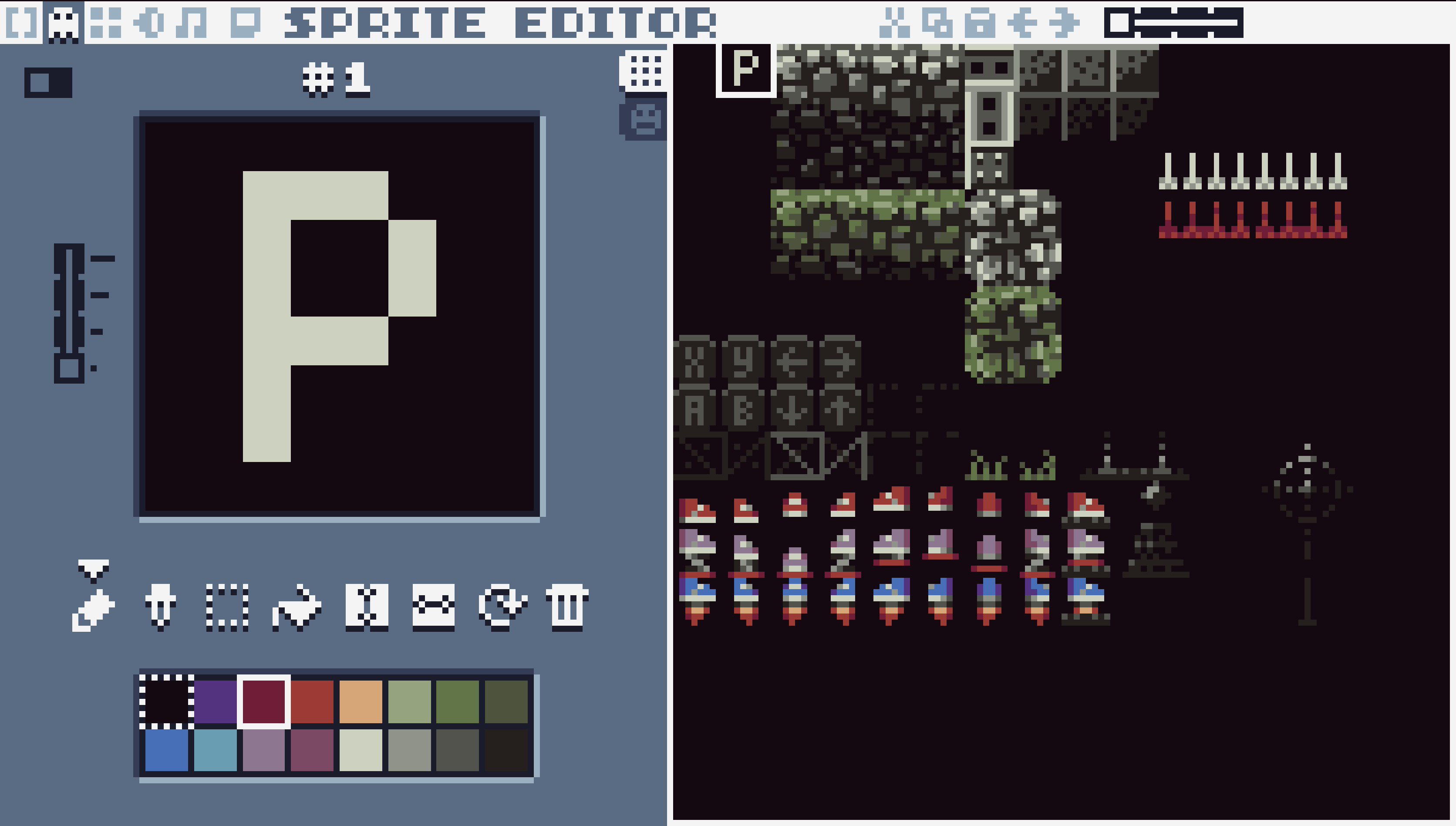
I designed a few tiles for the ground and walls, as well as variants for different biomes:
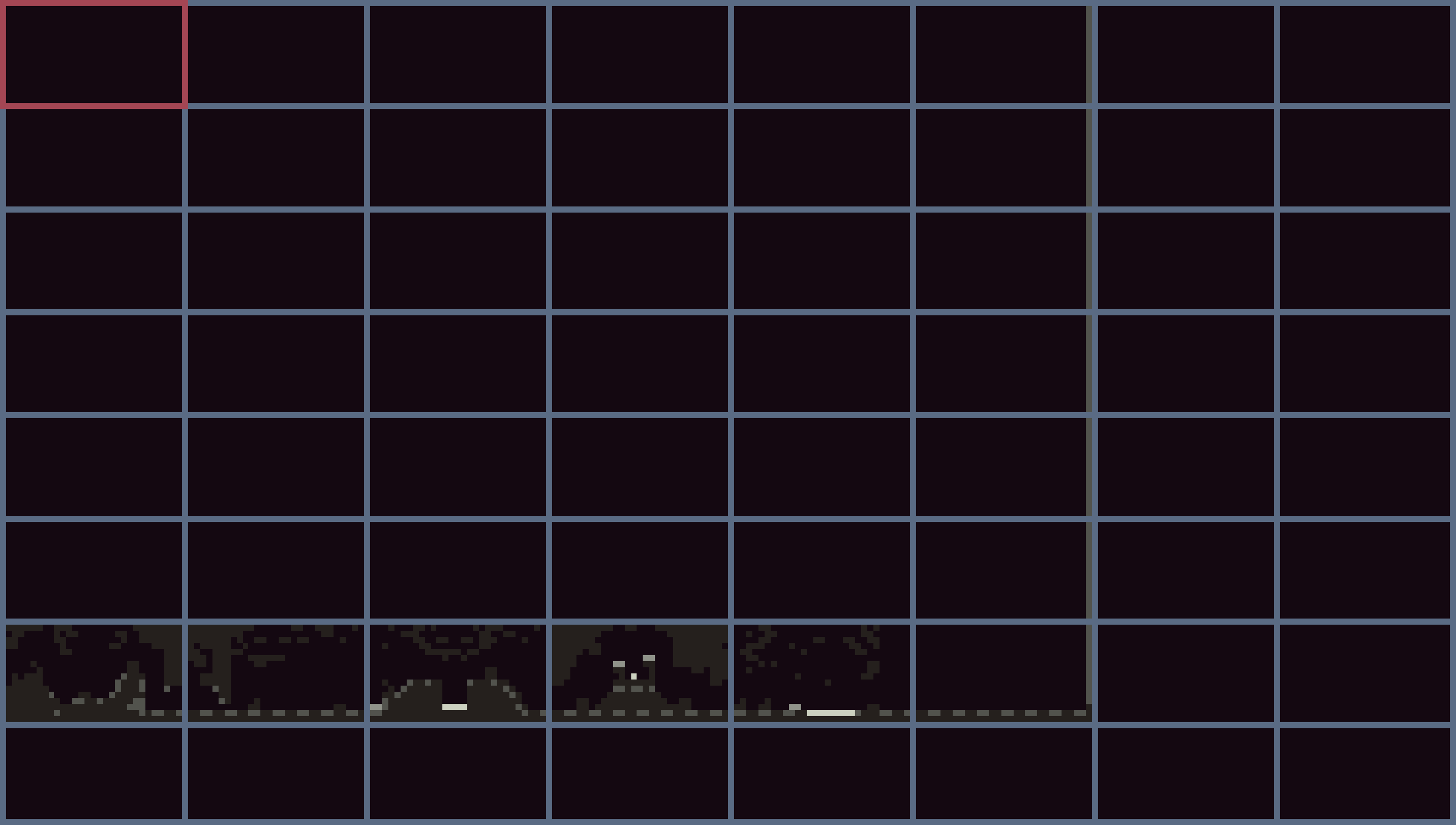
It’s hard to show the whole map in TIC, so here’s a screenshot from the built-in overview:
Aesthetics for this game were inspired by the palette I’ve chosen, and by the game Animal Well, which I’ve played recently. Or at least I wanted to think that way, as I liked the artstyle, and limited resolution of that game.
Days 4-7
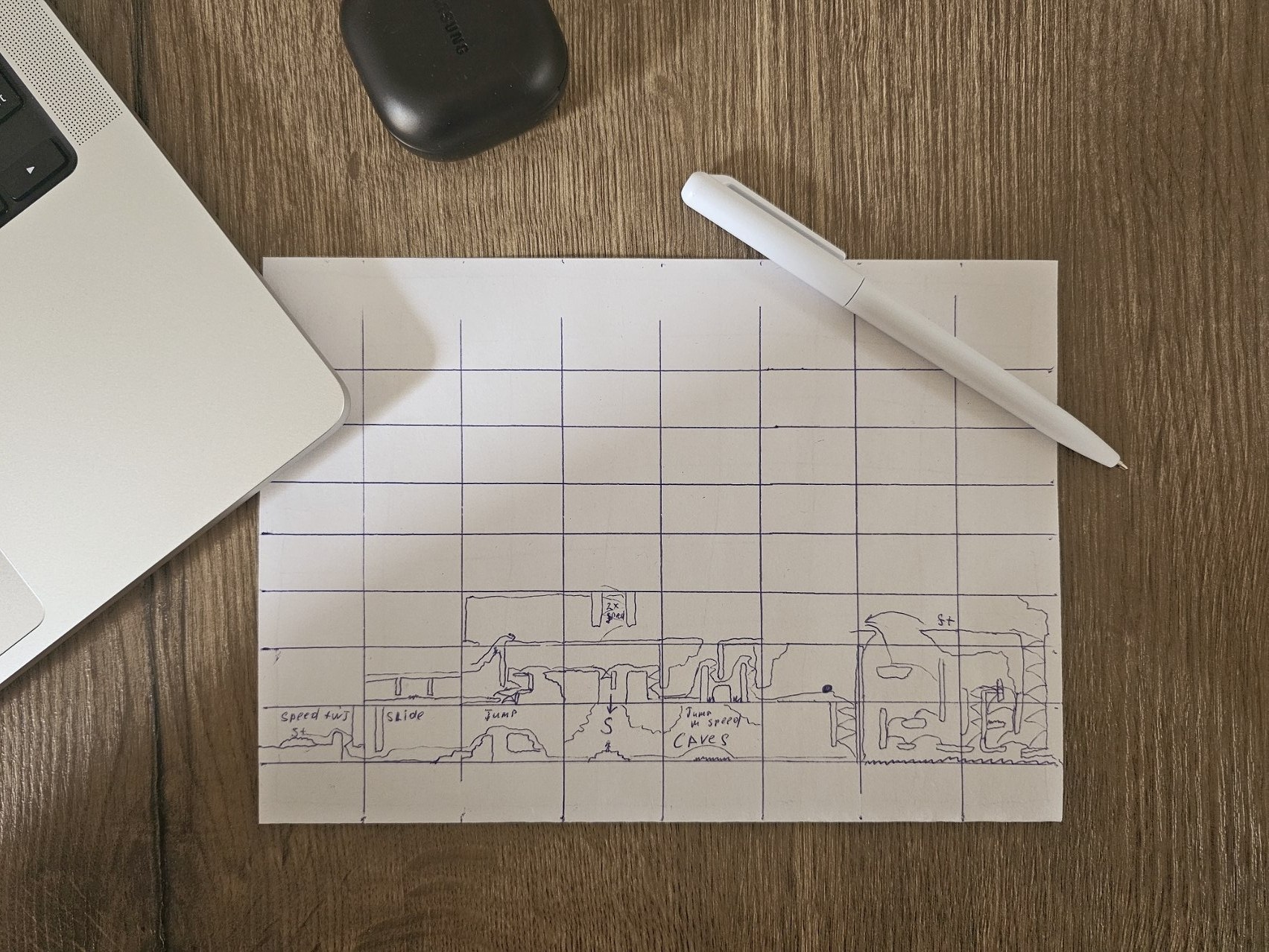
The rest of the days I’ve been working on the level design. I even started to plan out the level on a piece of paper, like so:
Here’s map progress by day:
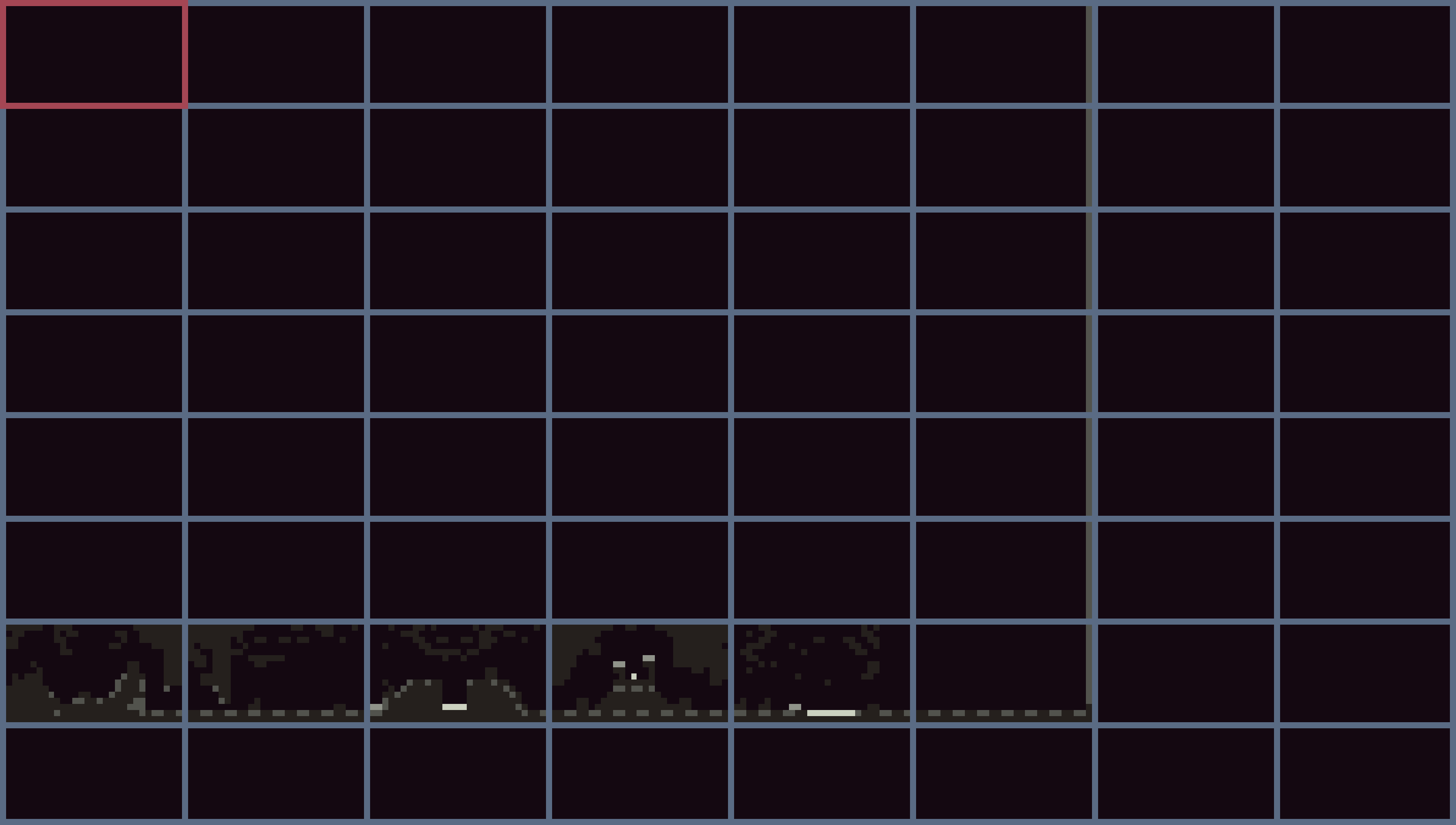
Figure 1: Day 4
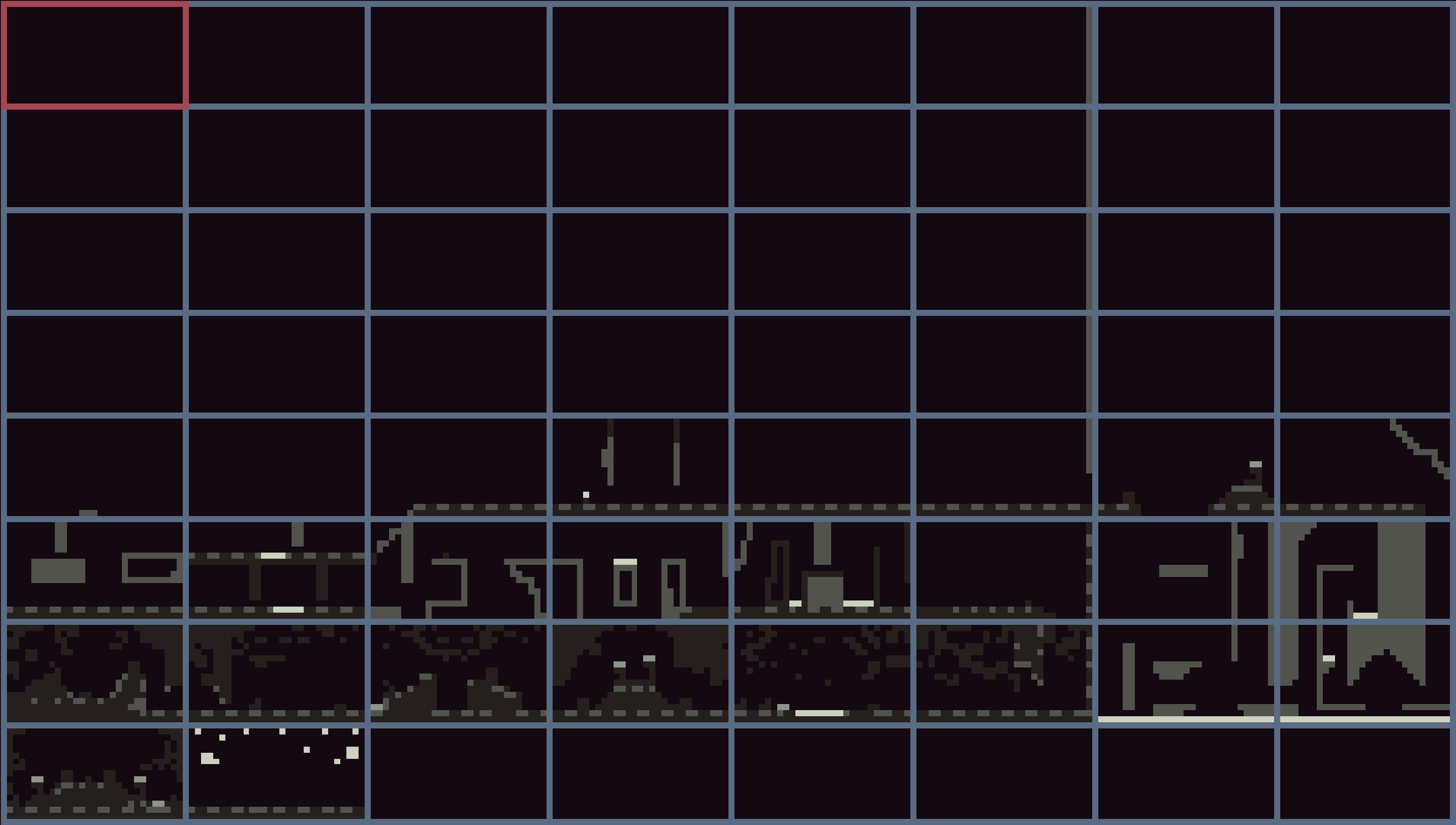
Figure 2: Day 4, again
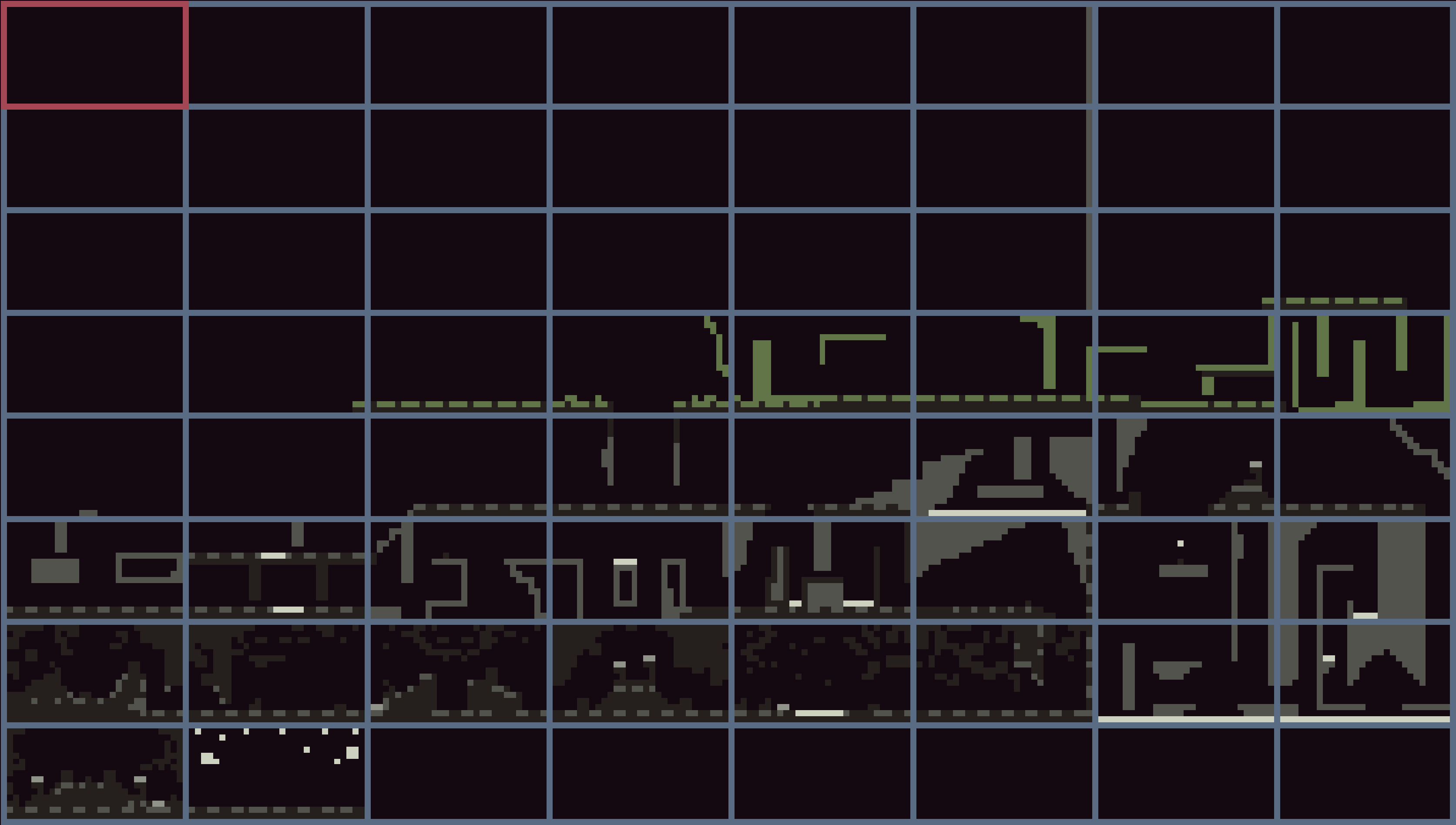
Figure 3: Day 5
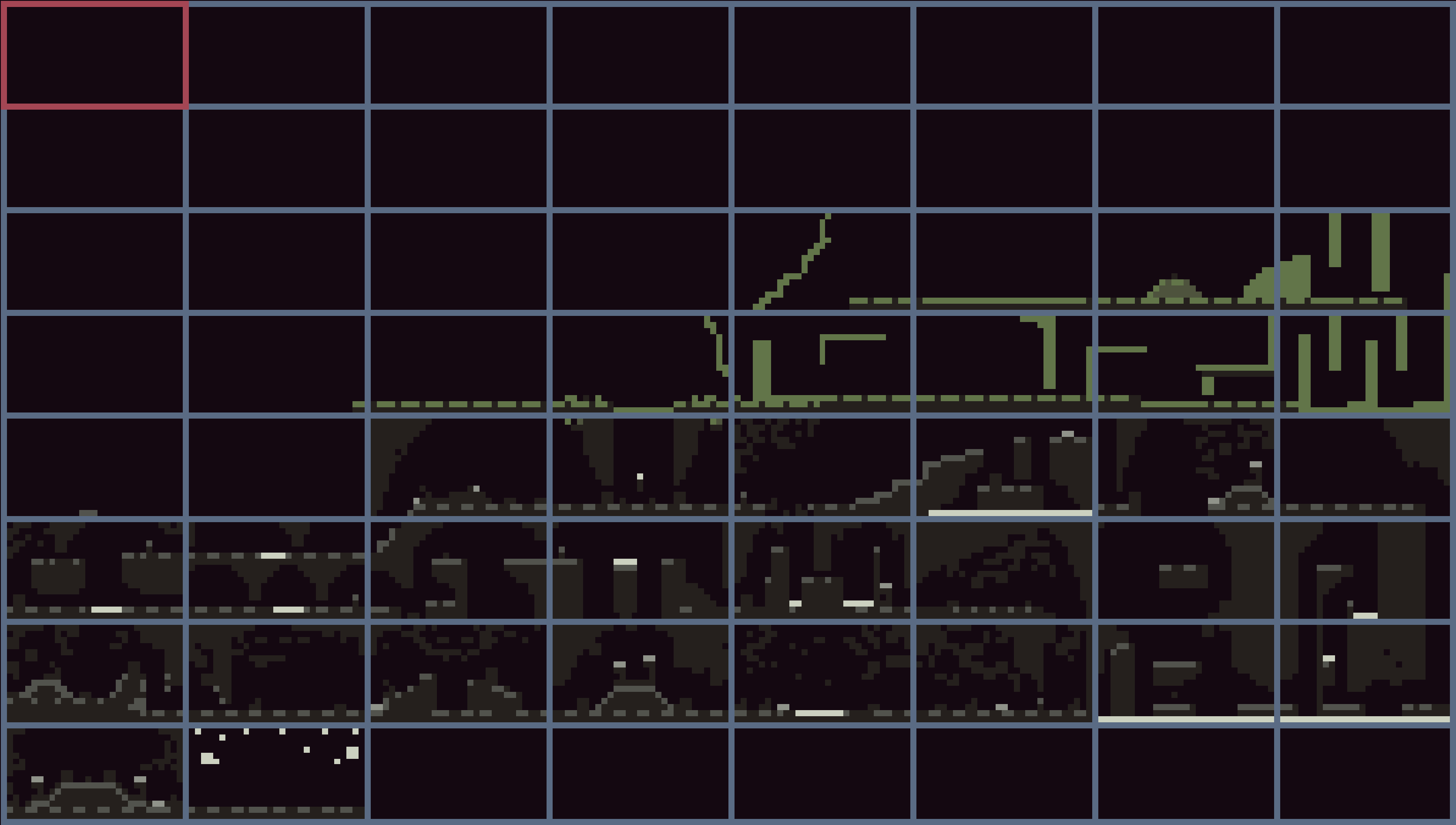
Figure 4: Day 6
At some point I completed the paper plan:
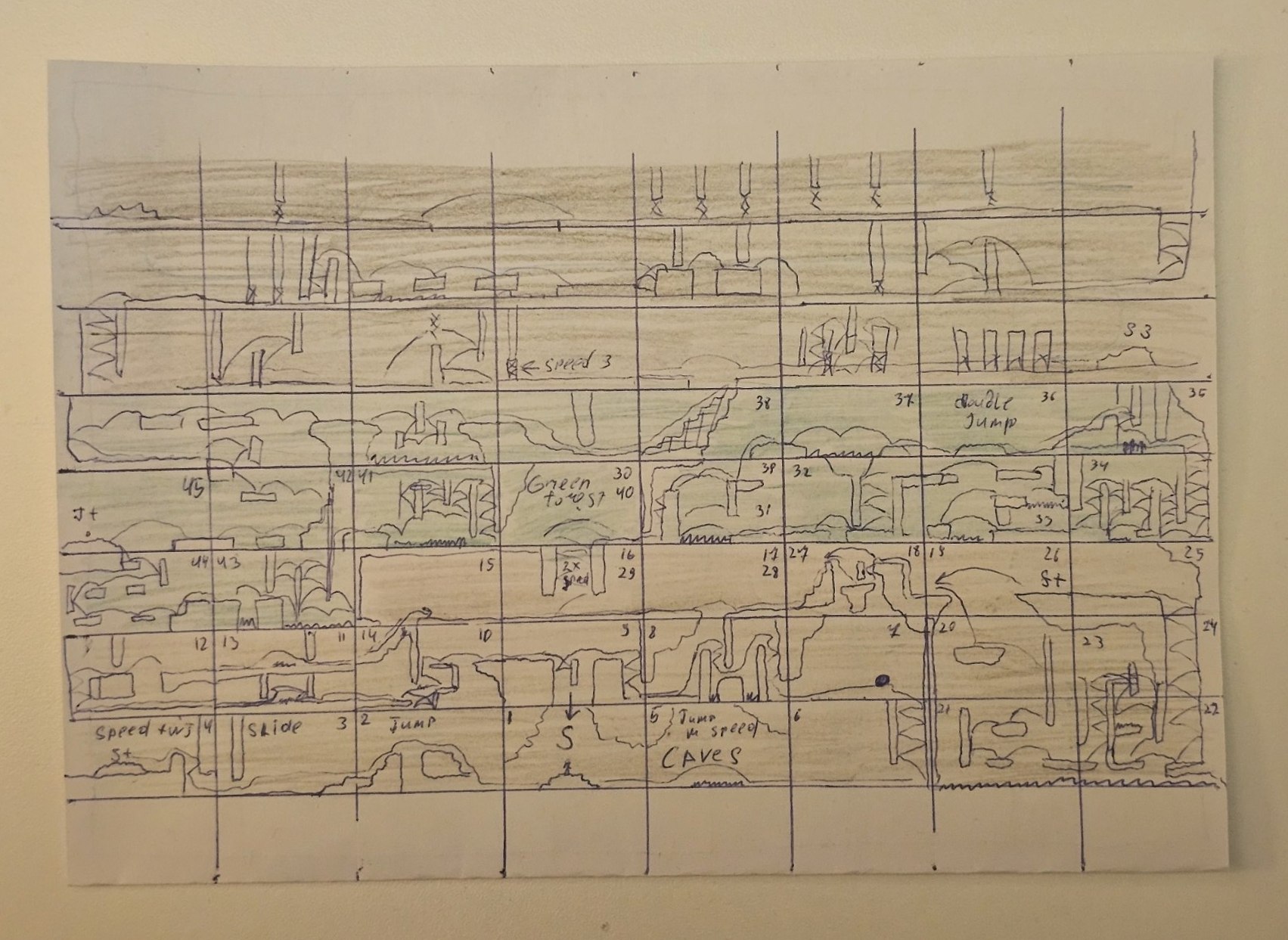
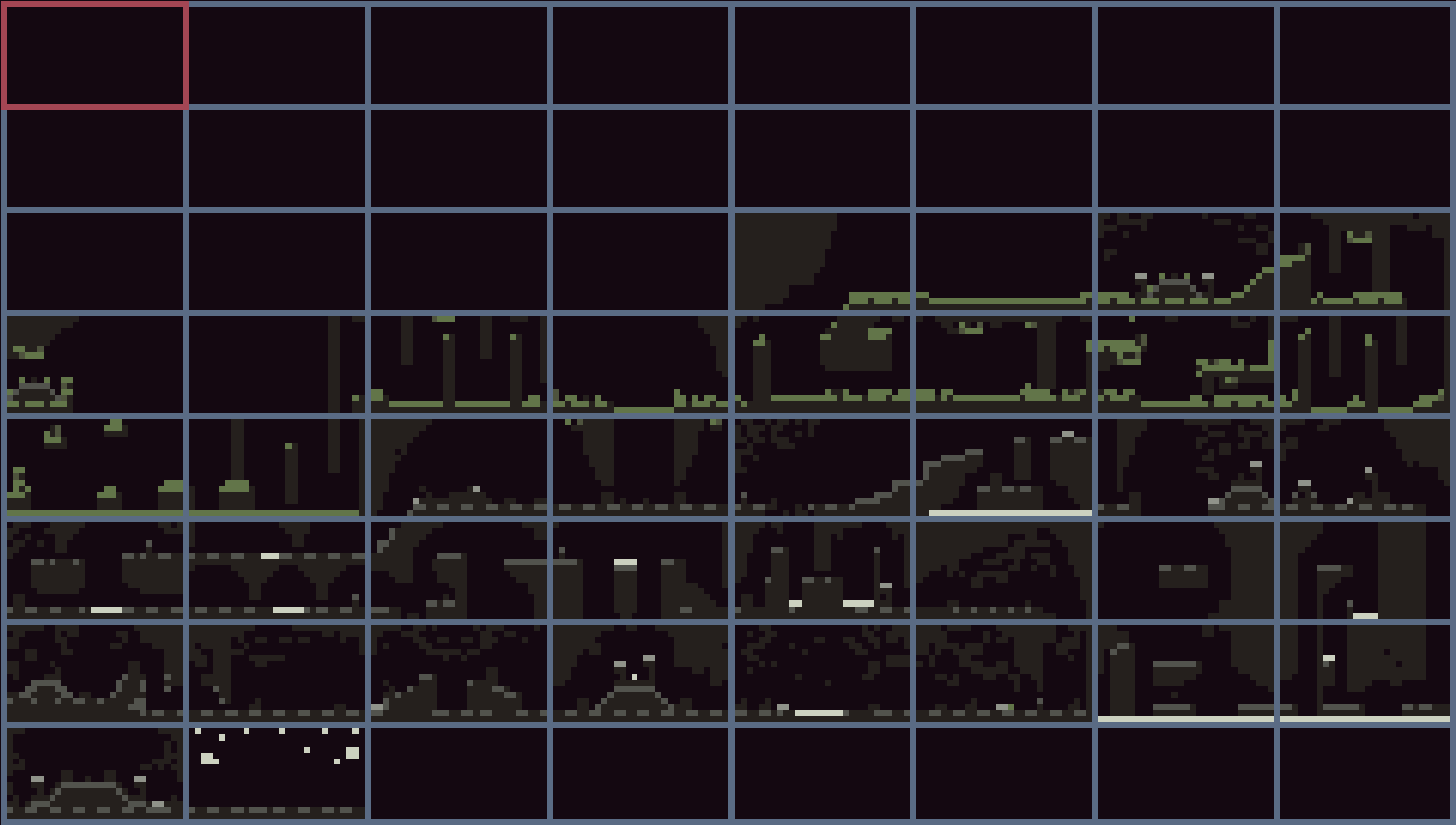
Figure 5: Day 7
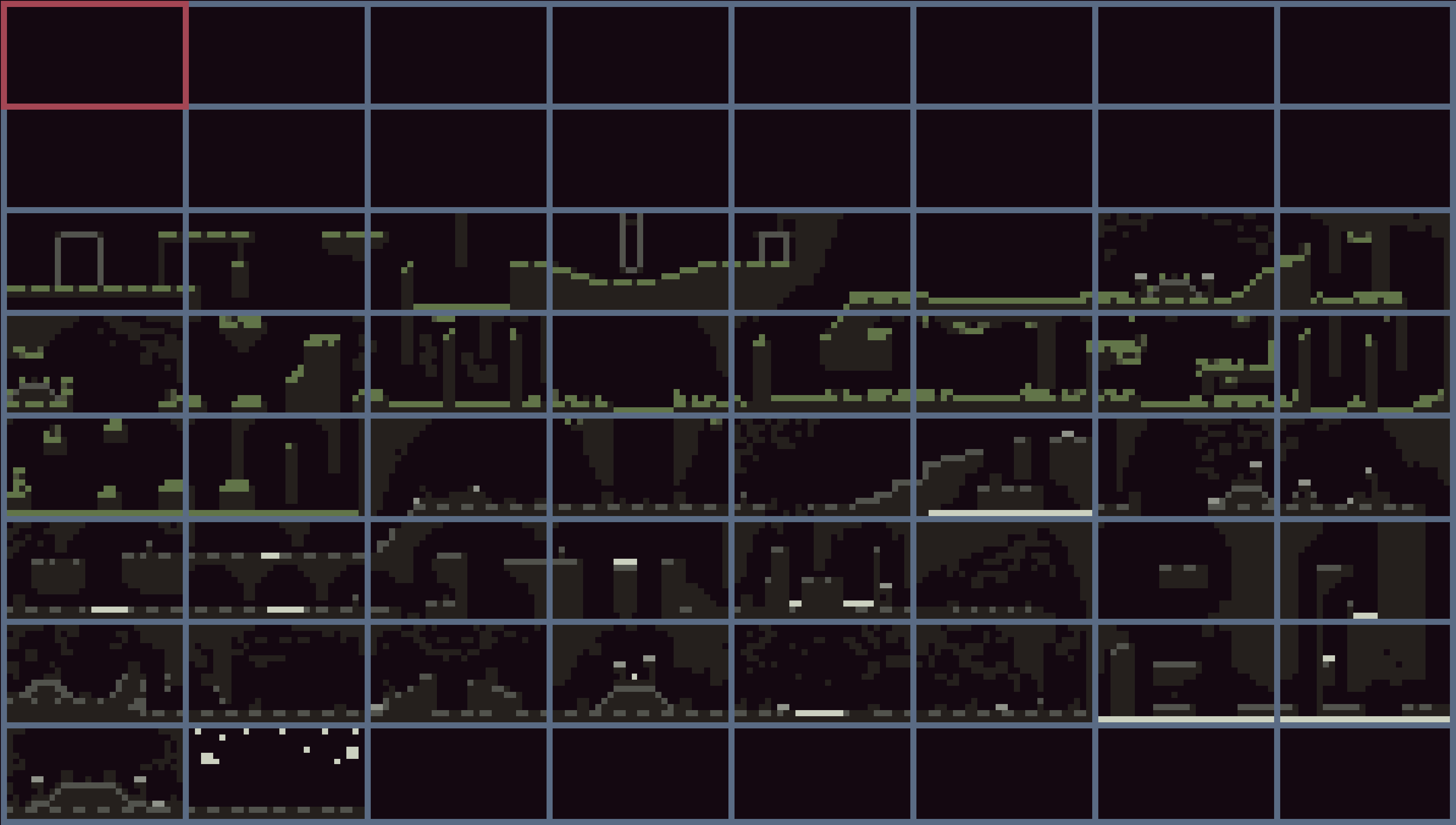
Figure 6: Day 8
I was ready to start working on the last bit of the map, when I realized that I made a mistake. My plan contained an extra row on top, when in reality I had just two more.
This meant that I had to trim down the last section, as I couldn’t really throw anything from the middle section, and it wouldn’t make sense to make the top section penetrate down.
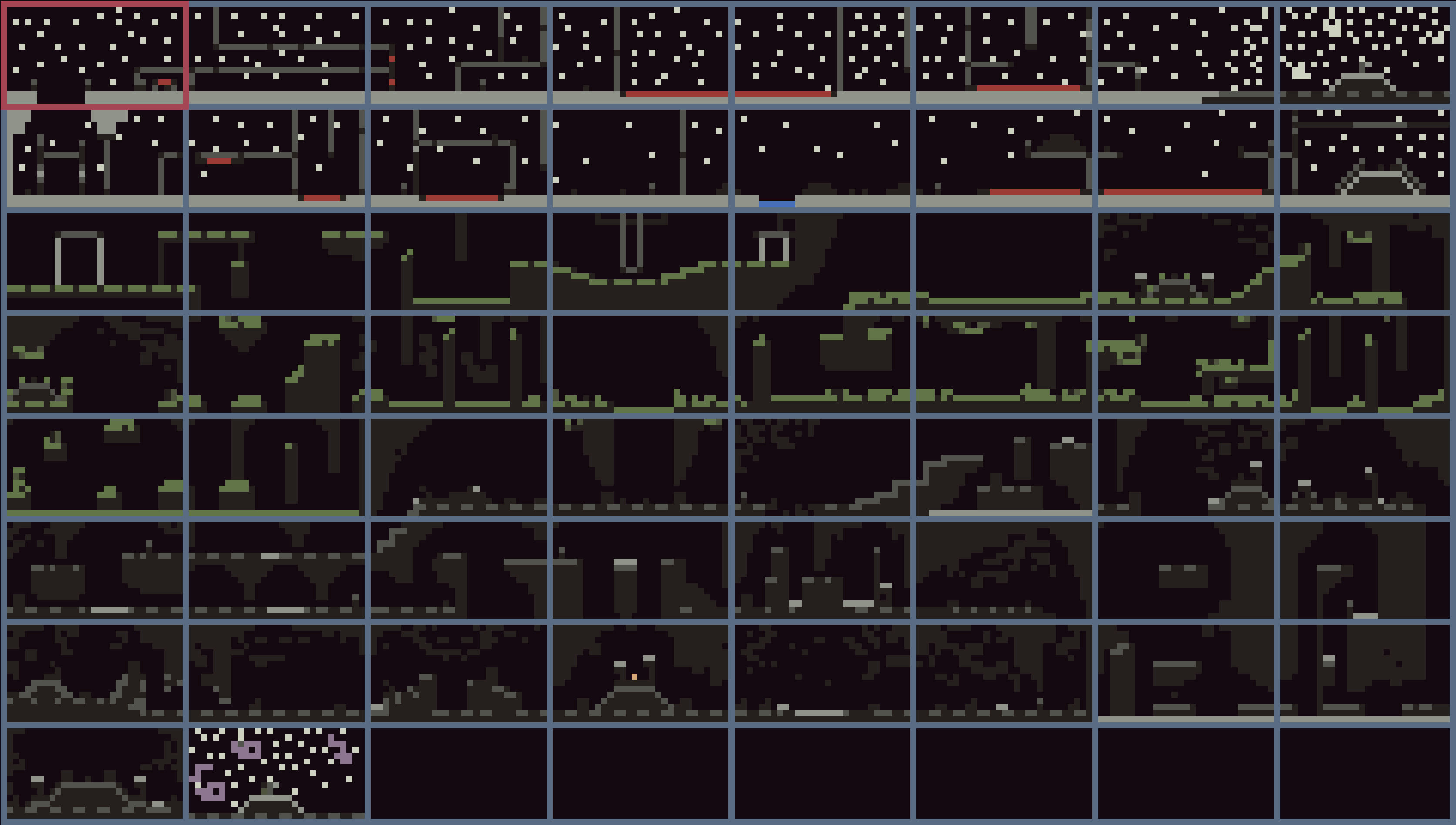
Figure 7: Day 9
Still, I had the full map complete by day nine, out of ten days available for the jam. A bit of a close call, but I could release this game any time, as it is essentially complete now.
During these days I also made a main menu screen, and the end screen. The end screen feels a bit barebones, but I had no time to do anything more with it, as I still had to do the most difficult part - sounds and music.
SFX
Sound effects weren’t as hard, when it comes to the player itself.
I’m using simple effects for steps, jumps, and slides based on white noise that TIC provides.
Timing them to animation frames is easy enough, as I can call sfx from the animation pipeline itself.
Because of that, things like steps are actually in sync with the animation, which I like. However, in the browser the sound may lag, I don’t really know why, but it did for all my previous games. Maybe it also depends on the browser.
Day 10 - Music
As I usually do, I left the hardest part to the last day. If I fail at it, I won’t include it in the game, and release it as is - it’s still a complete game. But, if I succeed, the game will be a bit better.
Music composition is not of my top skills, I’d say I’m pretty bad at it. There are few reasons for that, first and foremost being it’s so clunky to do that on a computer. If I had a MIDI keyboard, or an iPad with GarageBand, I think I would spend more time doing that.
So I reached out to a friend with whom we did a collaboration before, and asked them to help me out. They were kind enough to provide me with an original piece, which I had to port to TIC with the best of my ability.
TIC’s music tracker is a bit weird, and very limiting for someone who’s not versatile enough with trackers in general.
Adapting the song was quite a challenge for me. First of all, the song was written in non-tracker software, as MIDI. Having a piano-roll view of it helped with adapting, but some of the effects that were used were hard to recreate, so I did my best.
For example, delay. I had to create a wave that modulated its volume to act like its two notes repeating after a short delay.
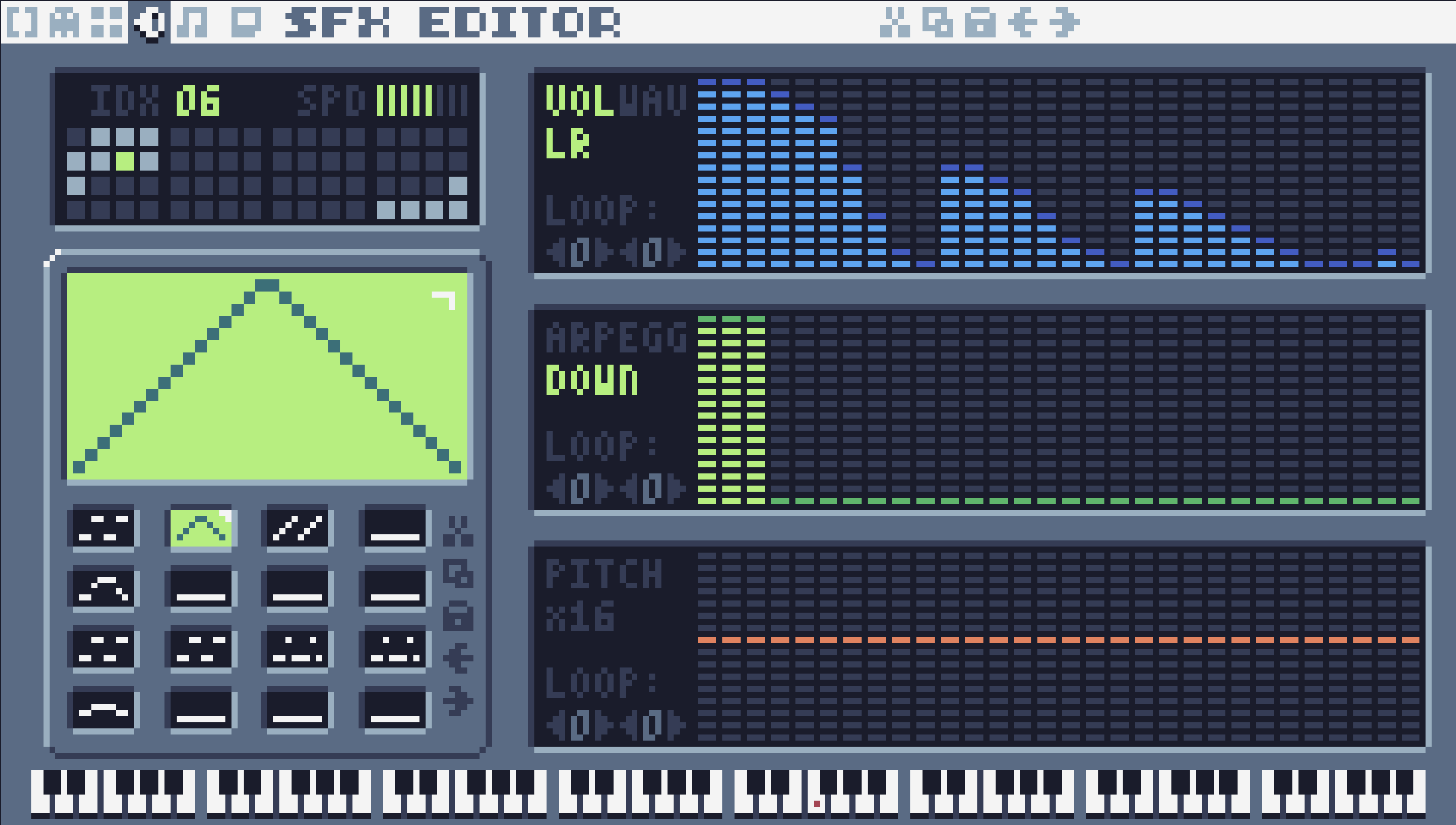
Then there were drums. I need to mention that I’m limited by three channels out of four available. One channel is reserved for in-game sound effects, like steps, jumps, powerups, etc. This leaves me with three channels for music.
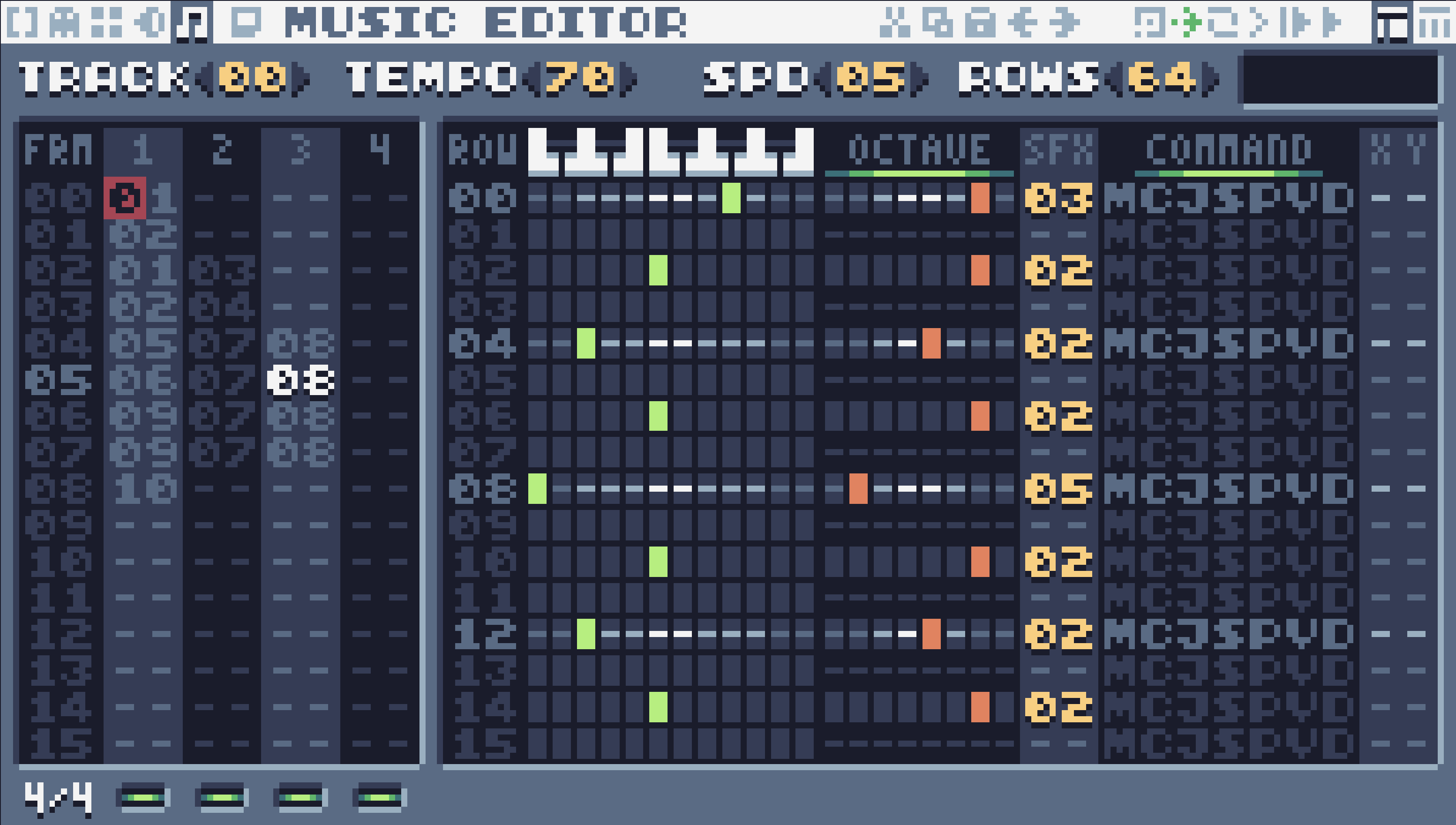
I used the first channel for the lead melody, second one for the bass, and the third one for the drum beat. Drums proved that it’s not really feasible to do them in one channel. You can’t overlay two samples, like in a modern MIDI editor. So you have to choose between kick and snare. Or snare and cymbal. Or kick and cymbal. You get the idea.
The game
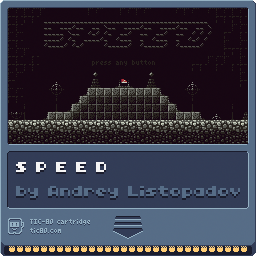
Anyway, this concludes this dev log, and the game is now available on itch.io. If you like it, consider voting for it on the jam’s page. And if you wish to download it, here’s the cart:
I can complete this game in about 10 minutes, but I think it’ll take a fair bit more time for players unfamiliar with it. After all, I spent a lot of time playing this game during development, and I know it pretty well.
I know that some levels in this game are probably very janky. Many jumps are probably not as obvious as they should have been, or unnecessarily hard. I’ve had no time to get this game play-tested by other people, so that’s that. Still, I fixed the most annoying places that drove even me nuts. And overall, I’m satisfied with what I made.
I hope you like this game, but don’t forget to check other submissions too! If you’re a fellow participant, I wish you luck, and let’s see who’s gonna be the winner! And if not, I encourage you to try it next year. It’s fun :)